
Quick reality check: Most people do not lose marks or clients because of big English.
They lose trust because of small punctuation mistakes.
A missing comma can confuse meaning, and one wrong apostrophe can make your writing look careless.
This 2026 guide shows how to fix punctuation fast using a free grammar checker with clear rules and real examples.
Punctuation is like road signs for your reader. It tells them where to pause, where an idea ends, and what words belong together.
When punctuation is messy, even good ideas feel hard to read.
The frustrating part is that punctuation mistakes are usually simple, repeatable, and easy to fix once you know what to look for.
In this guide, you will learn
- Why punctuation matters for grades, jobs, and credibility
- The most common punctuation mistakes in 2026 writing
- Simple punctuation rules that cover most situations
- Before and after examples you can copy
- A clean workflow using Grammar.Plus as your free grammar checker
Paste your text, fix punctuation, clean grammar, improve clarity, and publish or submit with confidence.
Why punctuation matters more than you think
People judge writing quickly. If punctuation is missing or incorrect, the reader slows down and becomes less confident in your message.
For students, punctuation can affect marks in essays and assignments.
For job seekers, it can reduce the impact of a cover letter.
For bloggers, it increases bounce because reading feels tiring.
Here are three common results of weak punctuation:
- Clarity drops: reader must guess your meaning
- Tone changes: message can sound rude or too casual
- Trust breaks: errors make you look rushed
A free grammar checker helps because it catches punctuation issues at speed, especially commas, apostrophes, and sentence breaks.
It saves time and removes the stress of overthinking rules in the last minute.
What a punctuation checker should fix in 2026
A good punctuation tool is not just about commas.
It should improve sentence structure and make your writing easier to read.
Here is what matters most:
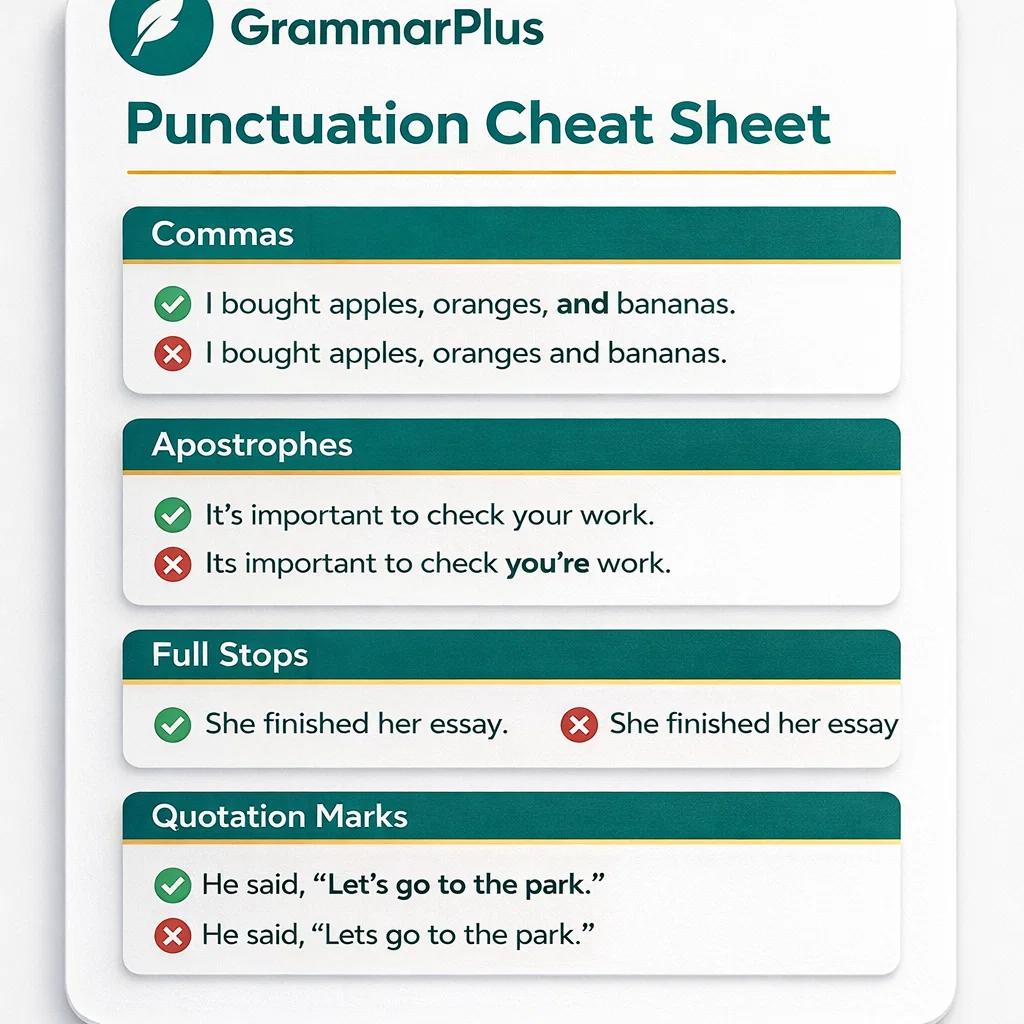
- Commas: lists, intro phrases, and joining ideas correctly
- Apostrophes: possession and contractions like it’s vs its
- Full stops: breaking long sentences into clear ones
- Quotation marks: dialogue and quoted words
- Capitalization: clean starts and proper nouns
Grammar.Plus is designed to keep it simple: paste, check, fix, and move on.
Try it here:
free grammar checker
The 6 punctuation mistakes that ruin writing fast
1) Comma overload
Some writers add commas everywhere because they feel safe. But too many commas break flow.
Use commas with purpose, not panic.
Wrong: “In 2026, students, need tools, that help them, write better.”
Better: “In 2026, students need tools that help them write better.”
2) Missing comma after an intro phrase
If you start a sentence with an intro word or phrase, a comma often helps.
Weak: “However I did not submit the file.”
Better: “However, I did not submit the file.”
3) Apostrophes used for plurals
Apostrophes do not make words plural. This mistake is very common in headings and short lines.
Wrong: “Student’s should check grammar.”
Right: “Students should check grammar.”
4) Confusing it’s vs its
This one destroys professional writing because it looks basic, even when your ideas are strong.
Wrong: “The company changed its policy and it’s effective today.”
Better: “The company changed its policy, and it is effective today.”
5) Run-on sentences
When one sentence carries too many ideas, punctuation becomes messy.
The fix is simple: split it.
Run-on: “I finished the report then I emailed it to my manager and I waited for feedback but no reply came.”
Clean: “I finished the report, then emailed it to my manager. I waited for feedback, but no reply came.”
6) Quotes without punctuation
Quotation marks need structure, especially in academic writing.
Wrong: She said “I will submit it tomorrow”.
Better: She said, “I will submit it tomorrow.”
Paste your final draft into a free grammar checker and fix punctuation in one pass.
Simple punctuation rules that cover most writing
You do not need to memorize every grammar textbook rule.
These practical rules solve most punctuation problems in essays, emails, and blog posts.
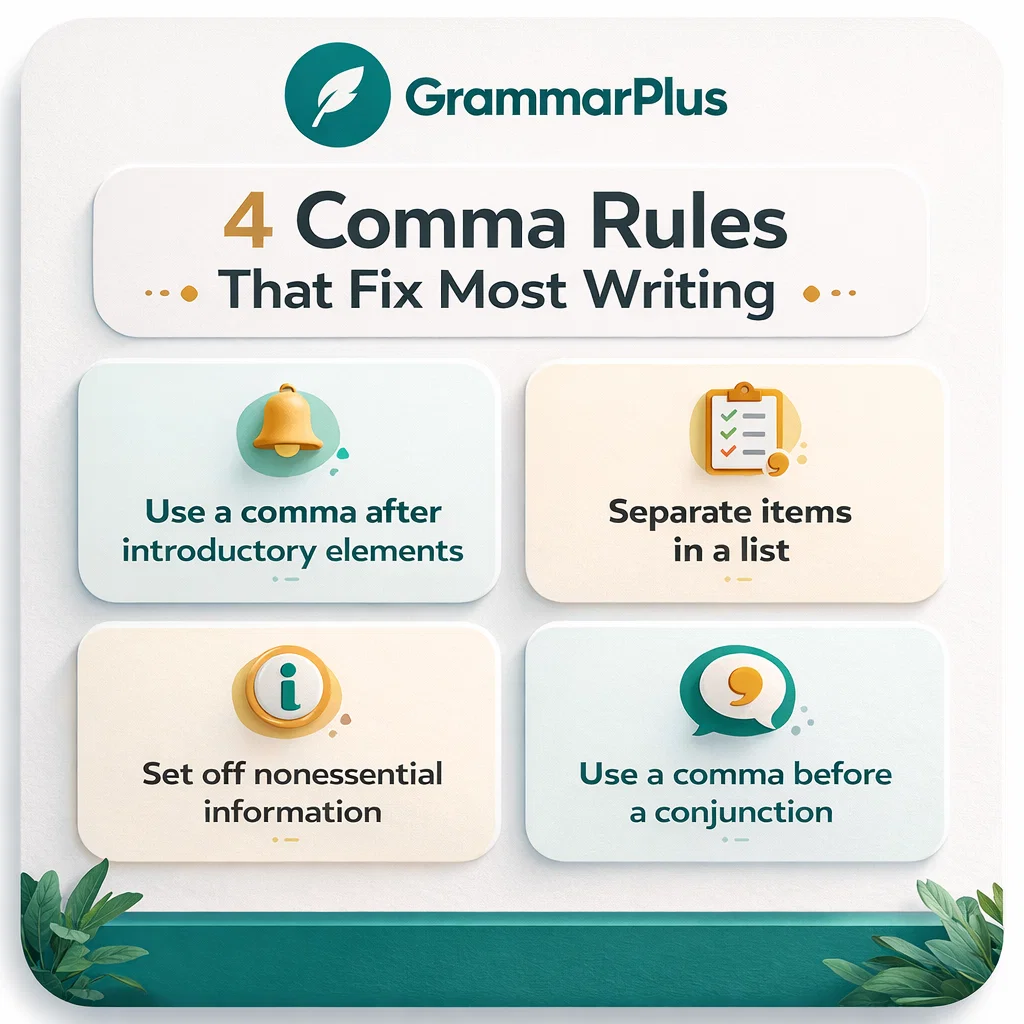
Rule 1: Use a comma for lists
Example: “I checked grammar, spelling, punctuation, and tone.”
Rule 2: Use a comma after intro words
Example: “Finally, I submitted the assignment.”
Rule 3: Do not join two full sentences with only a comma
This is called a comma splice. Fix it with a full stop, or add a linking word.
Wrong: “I finished my draft, I submitted it.”
Right: “I finished my draft. I submitted it.”
Also right: “I finished my draft, and I submitted it.”
Rule 4: Apostrophes show possession or contractions
Possession: “The student’s essay”
Contraction: “It’s ready” meaning “it is ready”
Rule 5: Use full stops more often than you think
Short sentences are not weak. They are clear.
If your sentence crosses 30 words, check if it should become two sentences.
Before and after punctuation fixes (real examples)
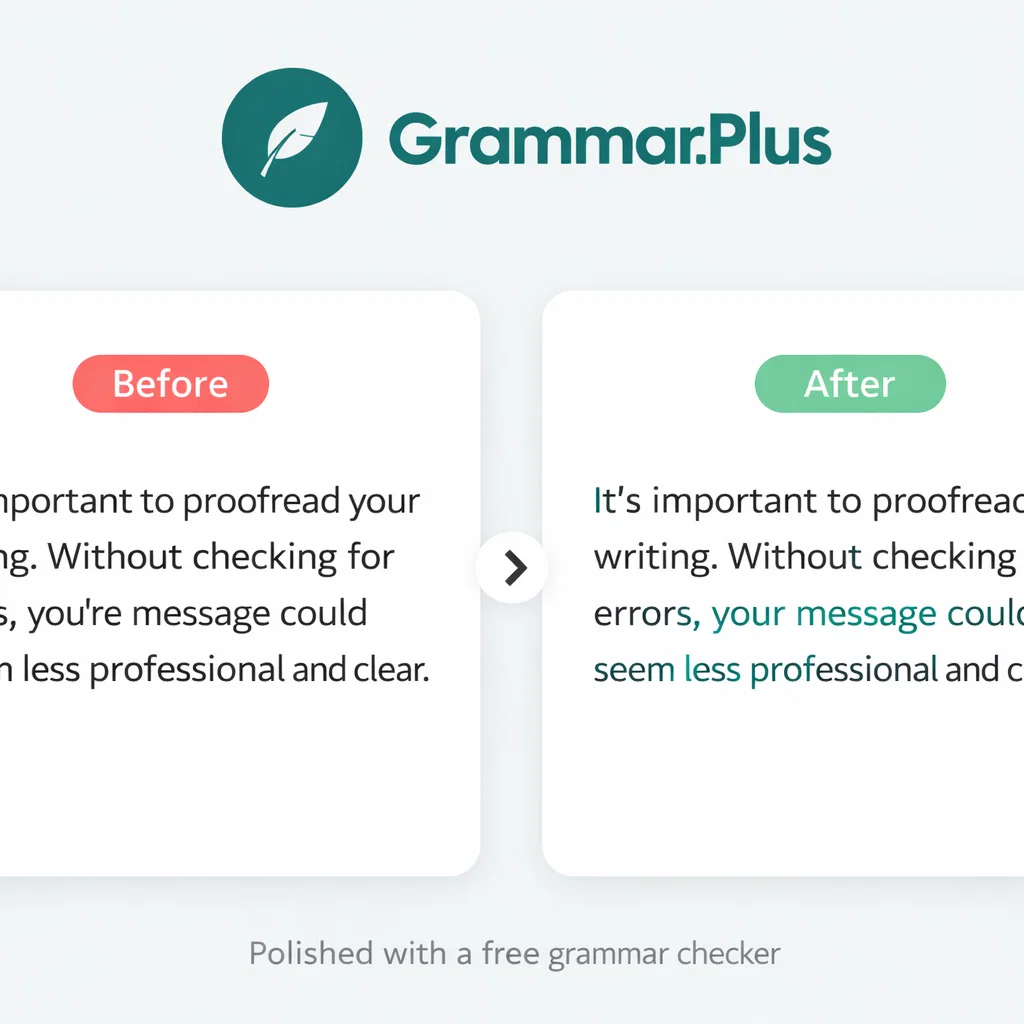
Below are realistic lines that students and writers often send in emails or essays.
Notice how punctuation changes the clarity instantly.
Example 1: Email request
Hi Sir I submitted my assignment yesterday can you check it and reply thanks
Hi Sir, I submitted my assignment yesterday. Could you please check it and reply? Thanks.
Example 2: Essay line
This topic is important because it affects many peoples life we should take action
This topic is important because it affects many people’s lives. We should take action.
Example 3: Job application line
I am applying for this job I can manage content social media and I can work under pressure.
I am applying for this job. I can manage content and social media, and I can work under pressure.
These changes do not make your writing fancy. They make it readable.
That is the goal.
How to fix punctuation fast using Grammar.Plus
Here is a simple workflow that works for essays, emails, cover letters, and blog drafts:
- Write your draft without stopping. Focus on ideas first.
- Paste your text into Grammar.Plus. Use it as a free grammar checker.
- Fix sentence breaks. Split run-ons and add full stops.
- Fix commas. Add commas after intro phrases, remove random commas.
- Fix apostrophes. Check it’s vs its, plural mistakes, and possession.
- Final read. Read once slowly as a reader.
Tools detect punctuation patterns better when they see context.
Punctuation checklist (copy and use)
- I used full stops to break long sentences
- I removed random commas that break flow
- I added commas after intro words like However and Finally
- I used commas correctly in lists
- I checked apostrophes for possession and contractions
- I fixed it’s vs its mistakes
- I checked quotation marks and punctuation inside quotes
- I read the final version once before submitting or sending
FAQ: Free punctuation checker questions
Is punctuation really that important for marks?
Yes, because punctuation affects clarity. Even good content can feel confusing without proper commas and sentence breaks.
Clean punctuation makes your writing easier to grade and easier to trust.
Can a free grammar checker fix all punctuation problems?
It can fix most common mistakes quickly, especially commas, apostrophes, and run-on sentences.
You should still read once at the end to ensure the meaning matches what you intended.
What should I avoid pasting into any online tool?
Avoid passwords, banking details, and highly sensitive personal information.
For normal assignments, emails, and blog drafts, it is usually fine.
Fix punctuation in seconds
Paste your writing into Grammar.Plus and clean commas, apostrophes, and sentence breaks fast.
It is simple, quick, and built for everyday writers.
No signup required • Works in seconds • Free to use